How to Organize Sound Effects for a Faster Video Editing Workflow
The Cost of Disorganized Audio Libraries
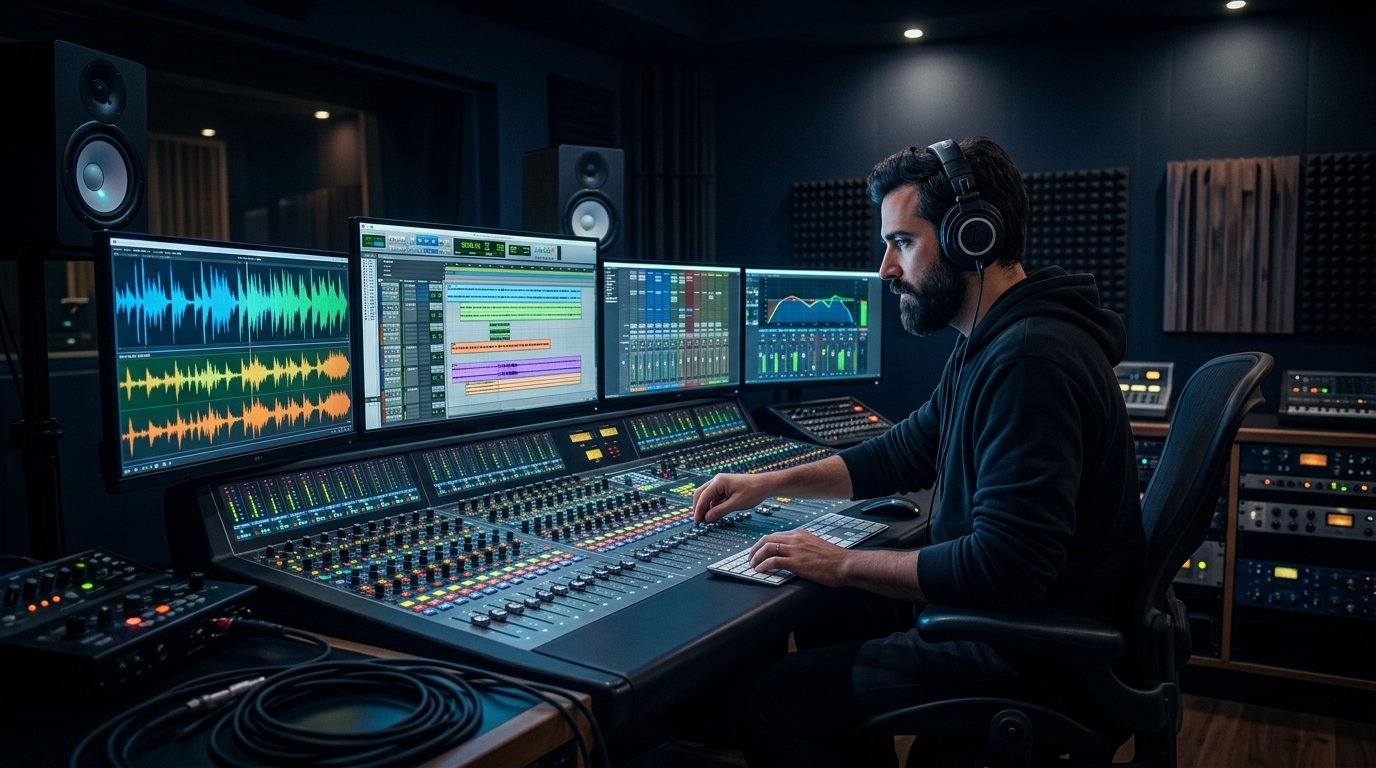
Professional video editors spend up to 30% of their editing time searching for audio clips. Building a structured sound library speeds up timeline editing and maintains creative flow.
Recommended Sound Folder Structure
Organize your primary audio storage into logical top-level directories:
📁 Master_SFX_Library/
├── 📁 01_Transitions/ (Whooshes, Swashes, Glitches)
├── 📁 02_Impacts/ (Bass Drops, Hits, Metal Crashes)
├── 📁 03_UI_and_Digital/ (Clicks, Mouse Pops, Chimes)
├── 📁 04_Memes_and_Comedy/ (Vine Booms, Bruh, Horns)
├── 📁 05_Foley_and_Ambient/ (Footsteps, Crowd Cheers)
└── 📁 06_Music_Stingers/ (Intros, Drums, Riser Loops)
Using Custom Favorites & Sound Decks
Bookmark your go-to sound effects on MyMemeSound and save them to custom browser favorites for single-click access whenever starting a new project.
Free Sound Effects Featured in This Guide
Play inline or download clean 192 kbps MP3s directly into your editing timeline.
Article Topics & Tags:
#Post-Production
#Workflow
#Premiere Pro
#DaVinci Resolve
#File Organization